
StyleSVG

Centerline Trace

Centerline trace a line drawing in seconds and get one clean stroke down the middle of every line instead of a double outline. Download the result as SVG or DXF for laser scoring, pen plotters, CNC engraving and the pen tool on Cricut and Silhouette machines. Everything runs in your browser, so your image is never uploaded.

Drop a line drawing here

PNG, JPG, WEBP or GIF · up to 25 MB · stays on your device

Choose image

Traced in your browser. The image is never uploaded.

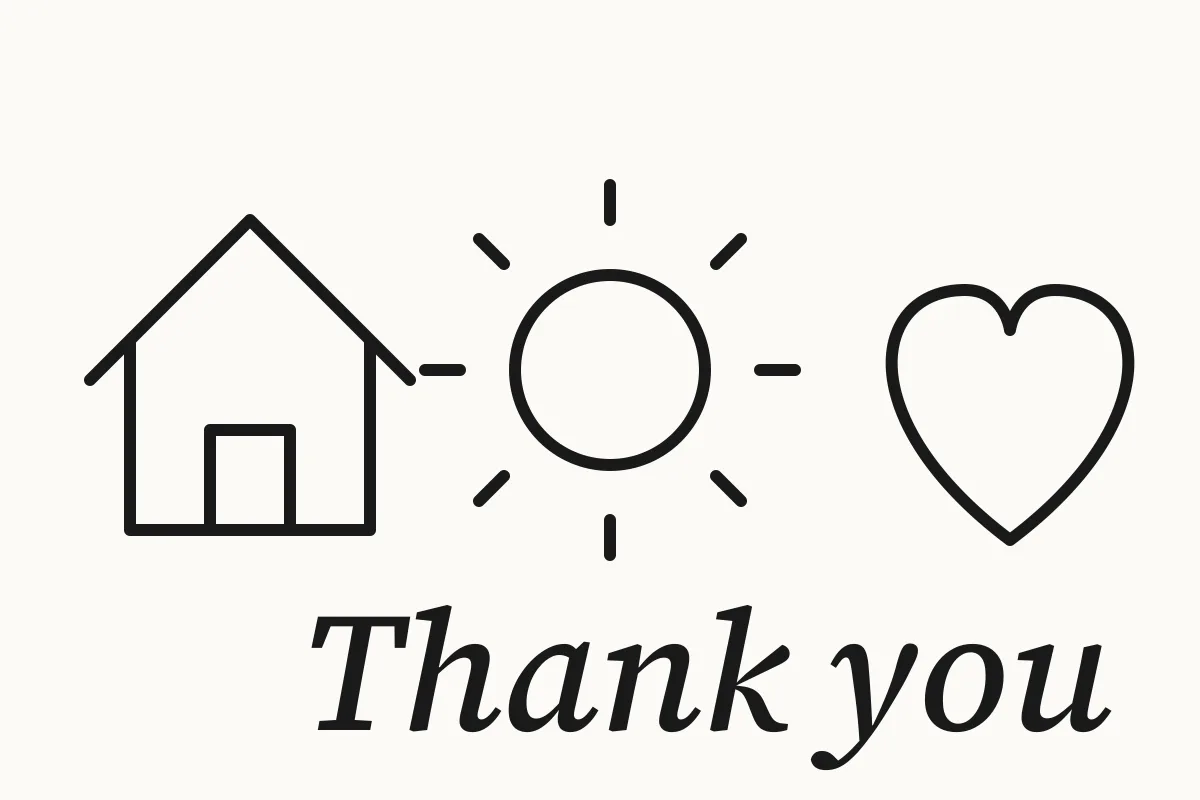
Hand-drawn style line drawing of a house, a sun, a heart and the words Thank you
Before: a 1200 × 800 px PNG drawing with lines about 12 px wide.
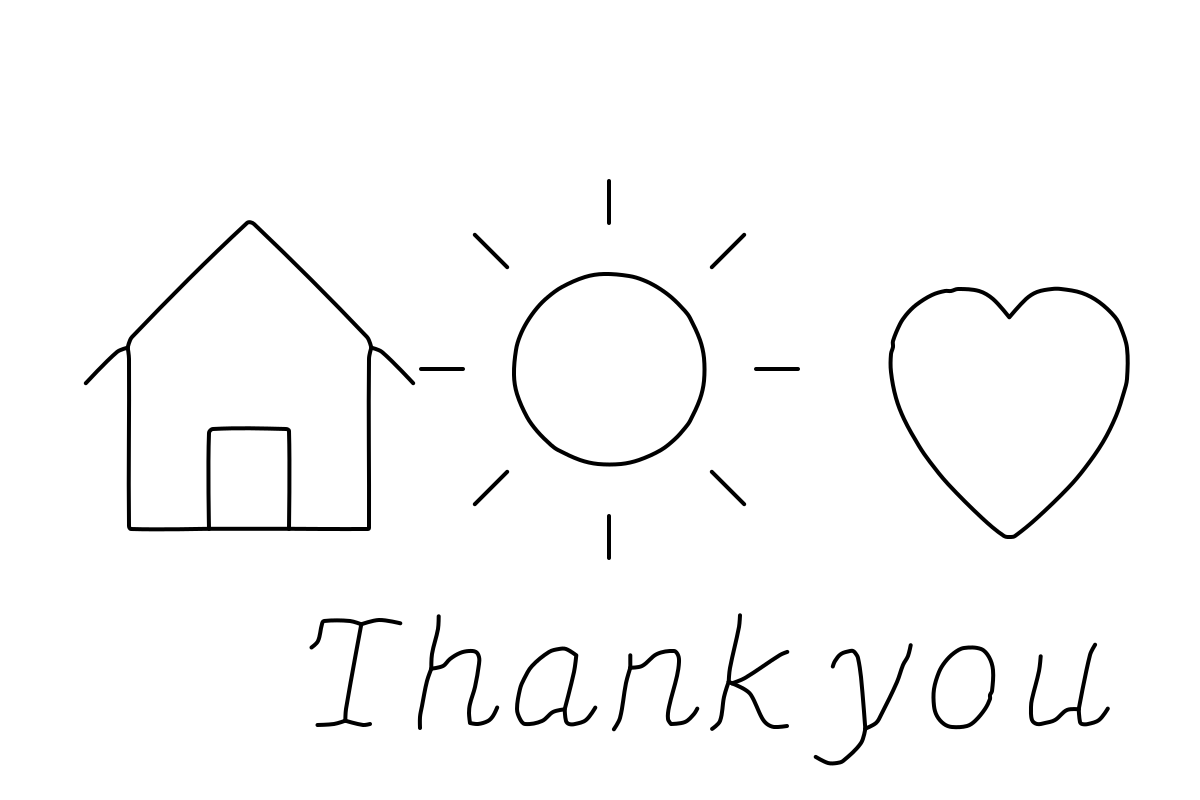
The same drawing as single strokes along the middle of each line | centerline trace
After: one path per line, joined at corners and crossings, ready for a pen or laser.

What Is a Centerline Trace?

Most image tracers follow the edges of every shape, which is right for stickers and logos but wrong for anything a machine should draw or score. A centerline trace follows the middle of each line instead.

One line instead of two

Trace a 2 mm pencil line with a normal vectorizer and you get a thin closed loop around it, so a laser cuts it twice and a pen draws two lines side by side. Centerline tracing returns a single path that runs along the centre of the stroke, which is what the drawing actually means.

A single line SVG for machines that draw

Pen plotters, the Cricut and Silhouette pen tools, laser score lines and CNC V-bits all expect open paths. The single line SVG from this converter contains exactly that: stroke-only paths with no fill, so the machine follows each line once from start to end.

Where it is used

Makers use it to turn sketches into plotter art, signatures into engraved gifts, hand lettering into pen-drawn cards, floor plans into scored templates and line icons into laser-etched designs. Anything drawn with lines of a fairly even width works well.

Why Use This Centerline Trace Tool?

Centerline tracing usually means installing a desktop plugin or a command-line program. This page does the same job online in a couple of seconds and shows you the result over the original before you download anything.

Free, online and private

There is no sign-up, watermark or limit. The image is decoded and traced on your own device, so nothing is uploaded or stored, and it works the same on Windows, Mac, Linux, iPad and Android.

Clean lines, not pixel noise

Paper texture and specks are filtered out, short whiskers at corners are trimmed, lines that almost touch are joined, and the ends are restored to where the stroke really stops. Crossings meet in one point, so a plotter does not stutter over them.

SVG and DXF in one click

Download a stroke-only SVG for Cricut Design Space, Silhouette Studio, LightBurn or Inkscape, or a DXF with open polylines in millimetres for CAD and CNC software. You can keep the original line thickness or choose a thin hairline.

How to Centerline Trace an Image in 3 Steps

A typical drawing is traced in under a second. You can change the settings as often as you like and the preview updates straight away.

1

Drop your drawing

Choose a PNG, JPG, WEBP or GIF of up to 25 MB. Scans and phone photos of drawings on paper work; very large pictures are scaled down to 2,000 pixels so tracing stays fast.

2

Check the red lines

The traced paths appear in red over a faded copy of your image. If faint pencil lines are missing choose Faint lines too, and if smudges turn into lines choose Dark lines only.

3

Download SVG or DXF

Click Download SVG or Download DXF, or copy the SVG code. Import the file into your machine's software and set the line to draw, score or engrave.

Tips for Better Single Line Results

The tracer follows whatever ink it finds, so a little care with the input pays off.

Use dark lines on plain paper

Ink pen, marker or a dark pencil on white paper gives the cleanest result. Shading, cross-hatching and coloured fills are traced as many short strokes, so leave them out of drawings meant for a plotter or laser.

Photos need a different tool

A photograph has no lines to follow, only areas of tone. For a one-colour design from a photo, make a stencil instead and cut or engrave its shapes.

Image to stencil →

Set the size before you cut

The SVG keeps the pixel size of your image. Resize it to the real width in millimetres or inches before sending it to a machine, so the lines land where you expect.

Resize SVG →

Centerline Trace FAQ

Ready to trace your drawing?

Trace an image