
StyleSVG

Crop SVG

Crop SVG files in seconds, right in your browser. Open a file and the empty space around the artwork is trimmed automatically; then drag the box or type exact numbers to crop any area you like. Only the visible window changes, so every line stays perfectly sharp, and you can download the result as SVG or PNG. Nothing is uploaded.

Drop an SVG file to crop it

SVG up to 10 MB · converted in your browser, never uploaded

Choose SVG

Your SVG is converted on this device and never uploaded. External fonts and images in the file are not loaded.

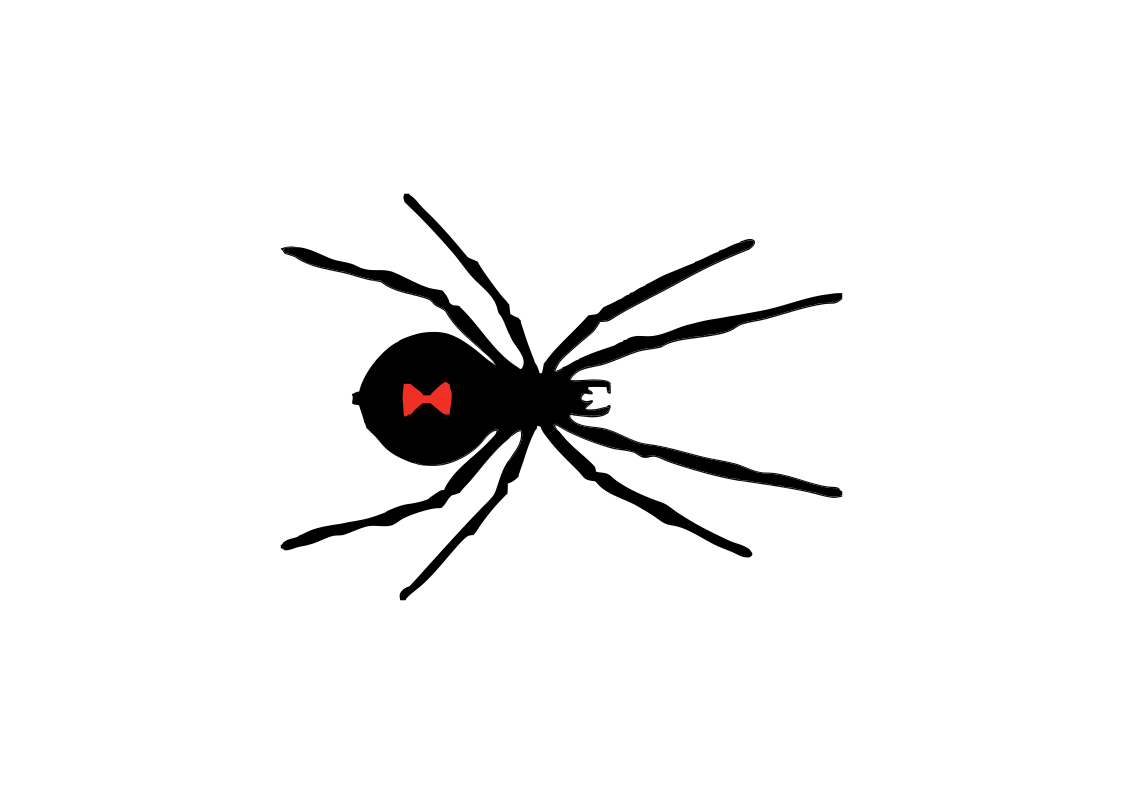
Spider SVG design on a full A4 landscape page with wide empty margins
Before: 297 × 210 mm, an A4 page that is mostly empty space.
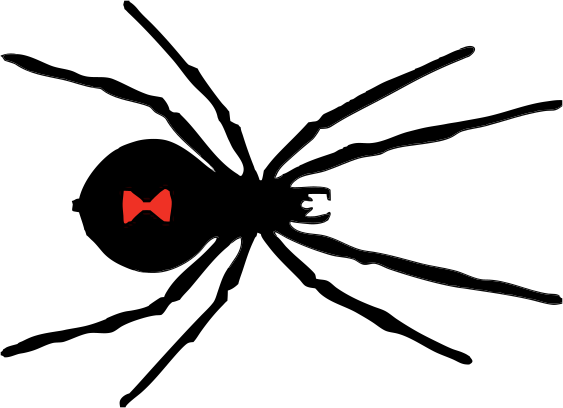
The same spider design trimmed to the artwork | crop SVG
After: 148.9 × 107.9 mm, trimmed to the artwork with the same shapes.

Why Crop an SVG File?

Many SVG files are larger than the design inside them. Exporting from an editor, downloading from a library or tracing a picture often leaves a wide margin or a whole page around the artwork.

Remove wasted space

Extra margin makes a design import smaller than expected, sit off-centre on a web page, or take up room on a cutting mat. When you crop SVG artwork tightly, its width and height describe the design itself, which makes placing and sizing it predictable.

Show only part of a design

Sometimes you want one icon from a sheet, one element of a pattern or a close-up of a detail. Cropping lets you frame exactly that area for a thumbnail, a social post or a printable, without editing any of the shapes. A square crop is handy for avatars and app icons.

Prepare files for other tools

Converters, sticker layouts and print templates usually fit the whole canvas, not the drawing. Crop SVG files first and the design fills the space it is given, so PNG exports and print layouts come out at the right scale without manual adjusting.

Why Use This Tool to Crop SVG Files?

Most online croppers turn your vector into pixels before cropping. This one keeps it a vector and changes only the part of the file that decides what is visible.

Automatic whitespace trimming

As soon as a file opens, the tool draws it, finds the outermost visible pixels and sets the crop box around them, strokes included. If the design sits on a white background rectangle, tick Treat white as empty, and add a margin if you want a little breathing room.

Precise manual control

Drag the box to move it or pull a corner to resize it, with a mouse or on a touch screen. For exact work, type the left, top, width and height in pixels of the original size, or switch to Square to keep every side equal. You can crop SVG artwork to a tenth of a pixel this way.

Lossless, private and free

Only the viewBox and the size attributes change, so every path, colour and gradient stays exactly as it was. The file never leaves your browser, and there is no account, watermark or limit. The converter below the editor saves the cropped design as PNG, JPG, PDF or DXF.

How to Crop an SVG in 3 Steps

You can crop SVG files in well under a minute, and adjust the box as often as you like before you download.

1

Open the SVG

Drop an .svg file of up to 10 MB onto the box above, click Choose SVG, or paste the SVG code and click Load code. The empty space is trimmed straight away and the crop box appears over the preview.

2

Adjust the crop box

Drag the box or its corners, type exact numbers, or pick Square. Click Trim empty space to return to the automatic crop, or Full canvas to start again from the whole file.

3

Download or convert

Click Download cropped SVG to save the file, Copy code to paste it into HTML, or choose PNG, JPG, PDF or DXF in the converter below. The new size is shown in pixels, millimetres and inches.

Tips for Cropping SVG Files

A few habits that help when you crop SVG designs for the web, for print and for cutting machines.

Leave a small margin for strokes and cutting

A crop that touches the artwork exactly can look cramped and leaves no room for a weeding border or laser kerf. A margin of a few pixels keeps edges clear without adding noticeable empty space.

Remember that hidden parts stay in the file

Cropping hides everything outside the box but does not delete it. Browsers and most design apps respect the crop, but some cutting programs show every shape on import. If that happens, delete the extra shapes in your design app before cutting.

Set the final size afterwards

Cropping changes the width and height in proportion, so a 100 mm file cropped to half its width becomes 50 mm wide. To give the trimmed design an exact physical size, open it in our SVG resizer and enter the width you need.

Resize SVG →

Crop SVG FAQ

Ready to trim your SVG?

Crop SVG