
StyleSVG

SVG to JPG

Convert SVG to JPG for free without leaving your browser. Choose the background colour, the quality and the size, then download a JPEG that opens on any phone, computer or website. Nothing is uploaded, there is no account and there is no daily limit.

Drop an SVG file here

SVG up to 10 MB · converted in your browser, never uploaded

Choose SVG

Your SVG is converted on this device and never uploaded. External fonts and images in the file are not loaded.

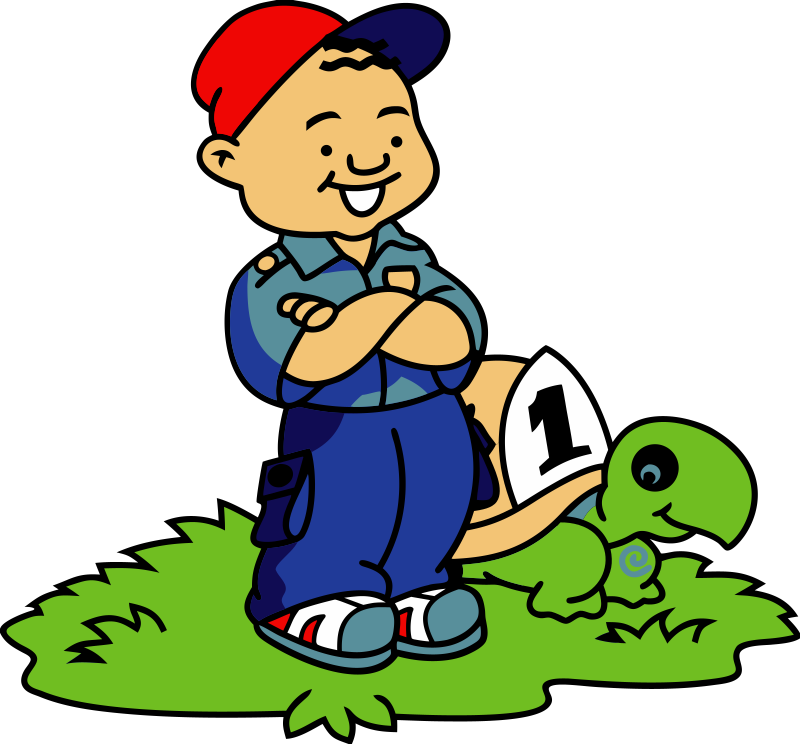
Cartoon boy and turtle as an SVG vector file
Before: an SVG file with a transparent background.
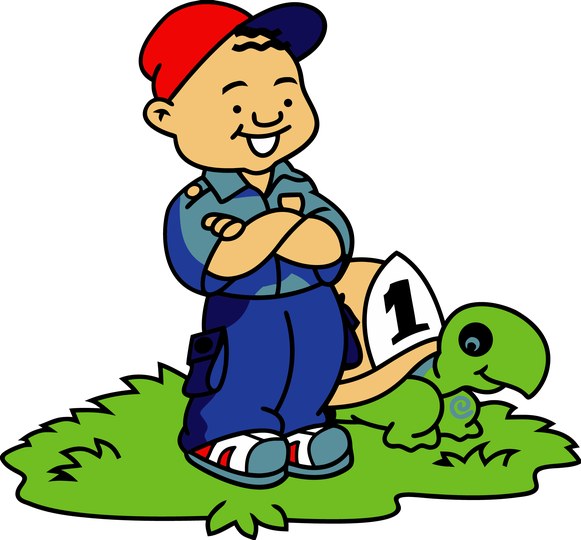
The same boy and turtle saved as a JPG with a white background | SVG to JPG
After: a JPG at 2× size on a white background, quality 92.

Why Save an SVG as a JPG?

Vector files are ideal while you design, but the world still runs on photos. JPG is the image format that almost every app, form and printer accepts without a second thought.

Accepted everywhere

Upload forms, job portals, online print shops, messaging apps and older office software often reject SVG or show a broken icon. A JPEG copy of the same artwork goes through every one of them. It is also the format most people expect when you email them an image, because it opens with a double click on any computer.

Small files for photos and previews

JPG compresses images into compact files, which makes it handy for email attachments, website thumbnails and marketplace listings that set a size limit. You decide how much compression to apply with the quality setting. A logo that weighs a few hundred kilobytes as a PNG often shrinks to a fraction of that as a JPEG, which helps pages load faster on mobile connections.

No transparency by design

The JPG format has no alpha channel, so every pixel must have a colour. Areas that are transparent in your SVG are filled with the background colour you pick. If you need a see-through background, export a PNG instead.

Why Use This SVG to JPG Converter?

Most converters send your file to a server and make you wait for it to come back. This one does the whole job on your own device in a couple of seconds.

Your file stays on your device

The SVG is rendered by your browser and the JPG is written straight to your downloads folder. Nothing is transmitted, so confidential logos, client artwork and drafts remain private.

Background colour and quality controls

Pick white, black or any brand colour for the background, then choose a quality between 60 and 100. Higher quality keeps edges clean; lower quality makes a smaller file for the web.

Free with no limits

No sign-up, no watermark and no queue. Because the conversion uses your computer instead of ours, you can export as many images as you need, at whatever size suits the job, from 1× up to an exact width of 8,192 pixels.

How to Turn an SVG into a JPEG in 3 Steps

The whole process takes a few seconds, and you can repeat it with different sizes or colours as often as you like.

1

Add your SVG

Drop an .svg file of up to 10 MB onto the box above, or click Choose SVG. The preview shows the original size so you know what you are starting from.

2

Set size, background and quality

Pick 1×, 2× or 4×, or type a width in pixels. Choose the background colour that will fill the transparent areas, and move the quality slider if you want a smaller or sharper file.

3

Convert and download

Click Convert and download JPG. The image is saved with your SVG's file name and a .jpg extension. Change any setting and convert again for another version.

Tips for Clean JPEG Exports

JPG compression is great for photos but needs a little care with logos, sharp lines and flat colours.

Keep quality at 90 or above for logos

Low quality settings add blotchy artefacts around sharp edges and text. For logos, icons and line art, stay between 90 and 100; save lower values for large, photo-like illustrations. Compare two exports side by side at full size before you decide; the difference is easiest to spot around thin lines.

Export bigger than you need

Render at 2× or 4×, or set the width to the print size in inches times 300. A large, high-quality JPG can always be scaled down later, but a small one cannot be scaled up without blur.

Going back from JPG to vector

Lost the original SVG and only have a JPEG? Our AI JPG to SVG converter traces it back into clean, editable shapes you can resize, recolour and cut on Cricut or a laser.

JPG to SVG converter →

JPG Export FAQ

Ready to make a JPEG?

Convert SVG to JPG