
StyleSVG

SVG to PDF

Convert SVG to PDF for free without uploading anything. Drop in your file, choose the original size or an A4 or Letter page, and download a vector PDF that stays sharp at any zoom and opens on every computer, phone and printer. There is no account and no daily limit.

Drop an SVG file here

SVG up to 10 MB · converted in your browser, never uploaded

Choose SVG

Your SVG is converted on this device and never uploaded. External fonts and images in the file are not loaded.

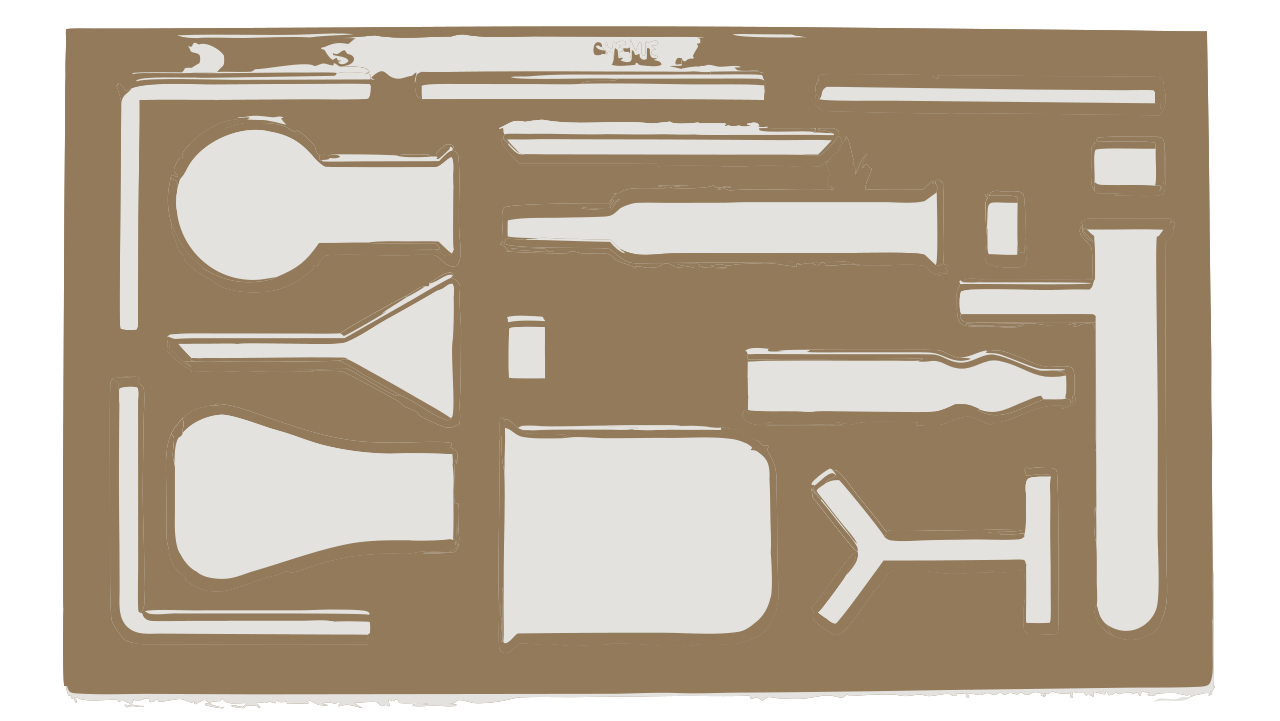
Laboratory glassware stencil as an SVG vector file
Before: an SVG laser-cutting stencil made of vector shapes.
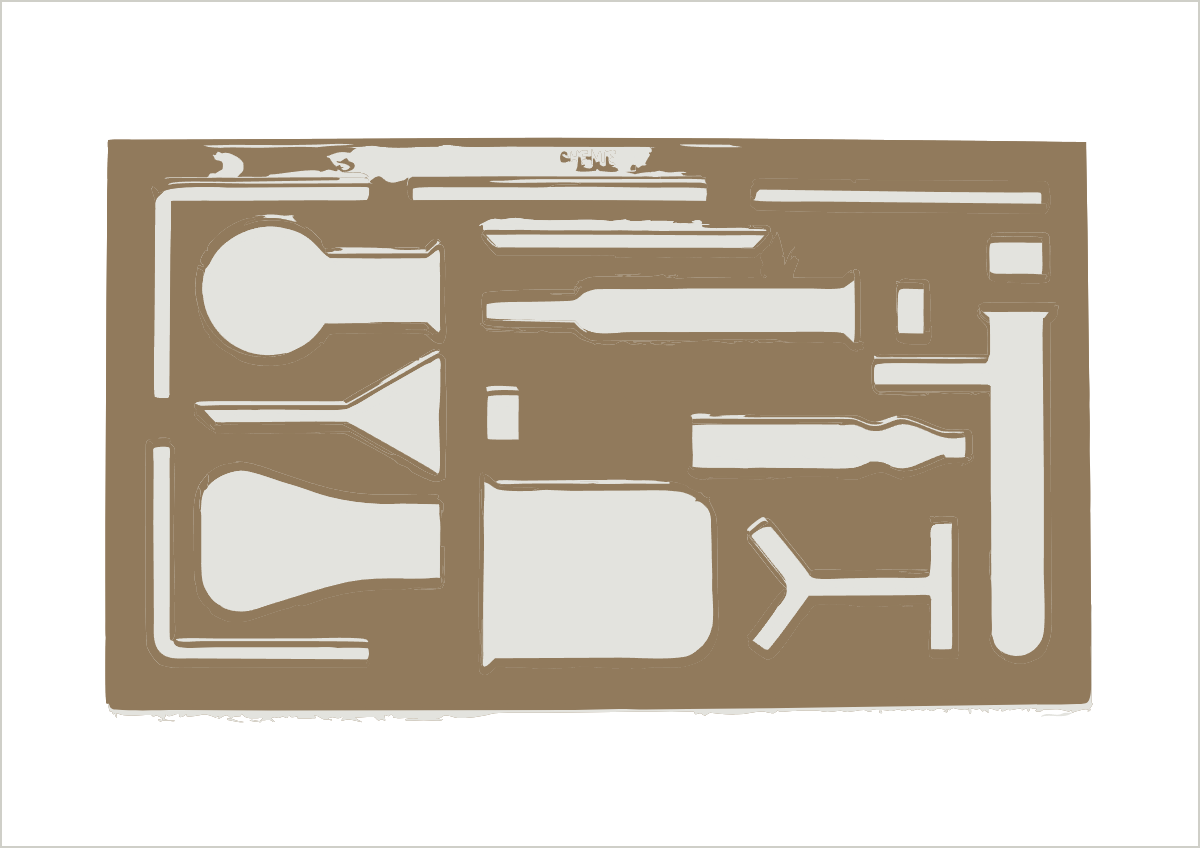
The same stencil centred on a landscape A4 page as a vector PDF | SVG to PDF
After: a vector PDF on a landscape A4 page with half-inch margins.

Why Save an SVG File as a PDF?

SVG is the format of the web and of cutting machines, but PDF is the format of print shops, offices and email. Saving a PDF copy lets anyone open, print or archive your artwork.

Every printer and print shop reads PDF

Commercial printers, copy shops and print-on-demand services ask for PDF because it fixes the page size and keeps vector shapes intact. A PDF of your logo, sticker sheet or poster prints exactly as designed instead of being rasterised by an app that does not understand SVG.

Easy to share and open

Clients, teachers and colleagues can open a PDF with the viewer that is already on their phone or computer. Many cannot open an SVG at all, or see it as code in a text editor. A PDF also travels well as an email attachment and in document management systems.

Vector stays vector

Unlike exporting a PNG or JPG, a vector PDF keeps every curve as maths. You can zoom in to a single line, scale the print to any size and still import the shapes back into Illustrator, Inkscape or laser software as editable paths.

Why Use This SVG to PDF Converter?

Most online converters upload your design to a server, add it to a queue and send it back. This one runs entirely in your browser and decides for you how to keep the artwork looking right.

Vector or image, chosen automatically

Plain shapes, gradients, patterns and Latin text become a true vector PDF. If your SVG uses blur, shadows, masks, semi-transparent gradients or non-Latin text, which PDF vector graphics cannot reproduce faithfully, the tool switches to a high-resolution image PDF and tells you why. You can always override the choice.

Original size, A4 or Letter

Keep the page the same size as the artwork, or place it on an A4 or US Letter sheet. The page turns to landscape for wide designs, and the artwork is scaled to fit inside half-inch margins and centred, ready to print.

Private, free and unlimited

The SVG is read and converted on your device and the PDF is saved straight to your downloads folder. Nothing is uploaded, scripts and external links inside the file are removed before conversion, and there is no account, watermark or daily quota.

How to Convert SVG to PDF in 3 Steps

The whole process takes a few seconds, and you can repeat it with different page sizes as often as you like.

1

Choose your SVG

Drop an .svg file of up to 10 MB onto the box above, or click Choose SVG. The preview shows the artwork and its original size, and PDF is already selected as the output format.

2

Pick the page and PDF type

Choose Original size, A4 or Letter. Leave PDF type on Auto to let the tool pick vector or image, or select one yourself; the note under the buttons explains what you will get.

3

Convert and download

Click Convert and download PDF. The file keeps your SVG's name with a .pdf extension and opens in any PDF viewer, from Preview and Acrobat to the browser itself.

Tips for Print-Ready PDFs

A little preparation in your design app makes the PDF cleaner, smaller and closer to what you see on screen.

Convert text to paths for exact lettering

A vector PDF keeps text selectable but swaps custom fonts for a standard PDF font such as Helvetica or Times. If the typeface matters, convert text to outlines before exporting, so the letters become ordinary shapes.

Flatten effects you need as vectors

Blur, drop shadows and masks force an image PDF. If you need a fully editable file for a cutter or laser, remove those effects or expand them into solid shapes first, then convert again and check that the note says Vector.

Starting from a PNG or JPG?

If your artwork only exists as a bitmap, our AI converter traces it into clean vector shapes first and exports SVG, PDF or EPS for print shops and cutting machines.

PNG to EPS converter →

PDF Export FAQ

Ready to print your SVG?

Convert SVG to PDF