

StyleSVG

Change SVG Color

Change SVG color in seconds, right in your browser. The tool lists every colour used in your file, lets you swap each one with a colour picker or make the whole design one colour, and shows the result next to the original. Download the recoloured SVG, or turn it into a PNG, JPG or PDF. Nothing is uploaded.

Drop an SVG file to change its colours

SVG up to 10 MB · converted in your browser, never uploaded

Choose SVG

Your SVG is converted on this device and never uploaded. External fonts and images in the file are not loaded.

Black spider illustration with a red marking as an SVG
Before: three colours, black body and red marking.
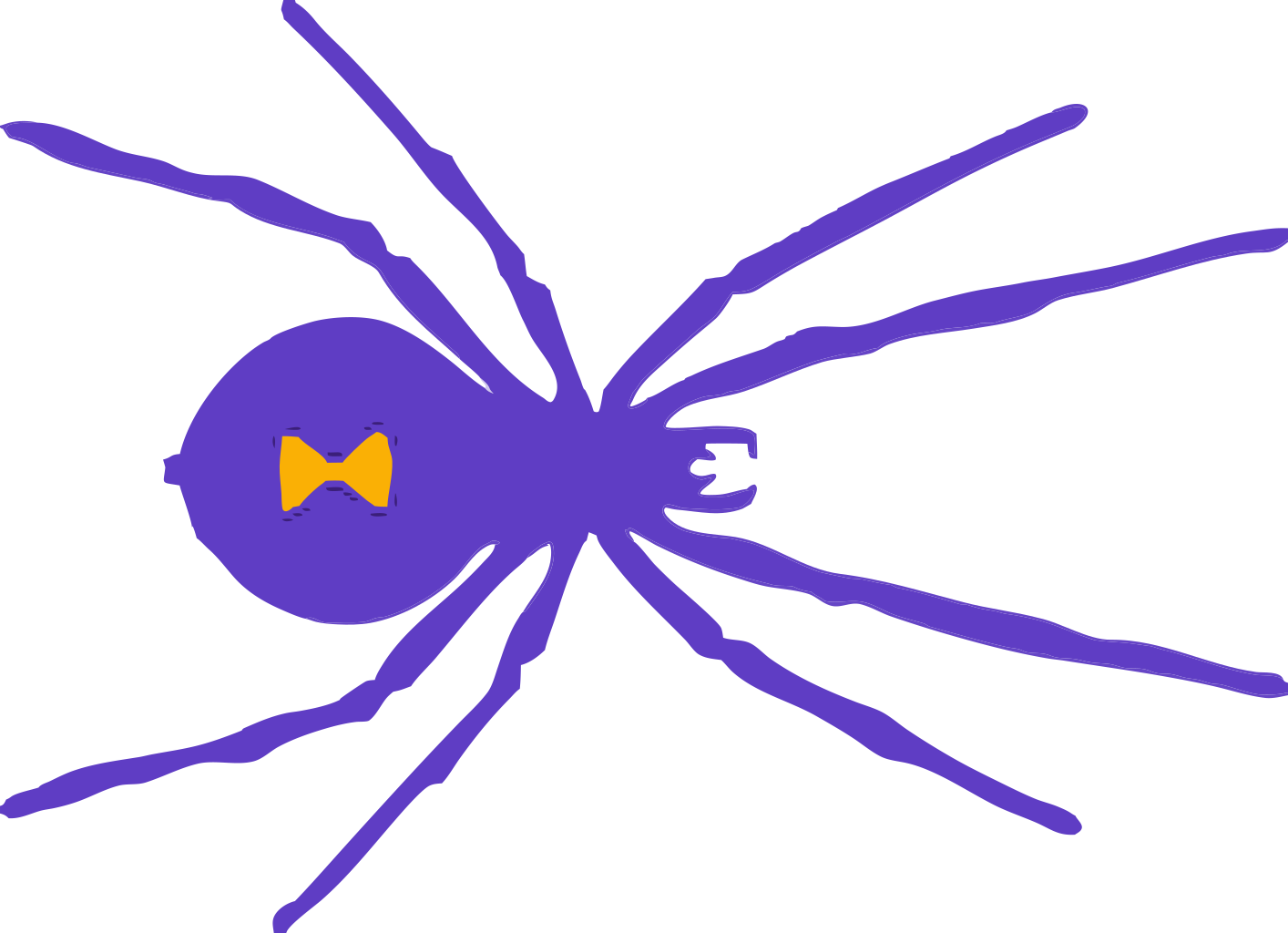
The same spider recoloured purple and gold | change SVG color
After: black → purple, red → gold, 10 colour values changed.

Why Recolor an SVG File?

A vector file can be recoloured without any loss, because colours are just values in its code. Doing it with the right tool takes seconds instead of a trip through a design app.

Match your brand or product

Bought a cut file or icon set in the wrong colours? Swap them for your brand palette, the vinyl you have in stock or the shades of a product photo, and keep every shape exactly as designed. Seasonal versions, such as a red and green holiday edition of a logo, take a minute instead of a redesign.

Fix files that other apps cannot recolour

Canva, Cricut Design Space and some website builders only let you recolour certain SVGs, or not at all. Changing the colours in the file itself works everywhere, because the new colours are saved into the SVG.

Prepare icons for the web

Web developers often need an icon in one colour, or controlled by CSS. Replacing its colours with currentColor lets the surrounding text colour decide how the icon looks, including on hover.

Why Use This SVG Color Changer?

Editing colours by hand in code is slow and easy to get wrong. This tool finds every place a colour is used and changes them all at once.

Finds every colour, however it is written

Colours hide in attributes, style attributes, stylesheet rules and gradient stops, and the same red can be written as red, #f00 or rgb(255, 0, 0). The tool groups them into one swatch and counts how often each is used. Gradient stops are listed too, so two-tone gradients can be restyled without opening an editor.

Handles the hidden default black

Shapes without any fill are drawn black by default, so there is no colour in the code to edit. The tool lists them as Default black and sets a fill on the whole drawing when you choose a new colour.

Recolour, then convert

Below the editor, the recoloured file can be saved as PNG, JPG, WebP, ICO, PDF or DXF straight away. Everything runs in your browser, so designs stay private and there is no sign-up or limit.

How to Change SVG Color in 3 Steps

Most designs are recoloured in under a minute, and you can reset and try again as often as you like.

1

Open the SVG

Drop an .svg file of up to 10 MB onto the box above, click Choose SVG, or paste SVG code and click Load code. The colour list appears next to the preview.

2

Pick new colours

Click the colour box next to any swatch and choose a new colour, or use Make everything this colour for a one-colour version. Tick CSS to replace a colour with currentColor. The After preview updates as you go.

3

Download or convert

Click Download recoloured SVG to save the new file, Copy code to paste it into a web page, or choose an image format in the converter below.

Tips for Recolouring SVG Files

A few things that make recolouring faster and the results cleaner.

Merge near-duplicate colours

Traced or exported artwork often contains several almost identical shades. Set them all to the same new colour so your cutting machine or print shop sees one colour instead of five. Fewer colours also means fewer layers to weed and fewer passes on a laser.

Check white shapes on a dark background

Recolouring to white can make parts disappear against the white preview. The checkerboard behind the preview shows transparent areas, and the SVG viewer can switch to a black background.

SVG viewer →

Starting from a PNG or JPG?

If your design is a photo or flat image, our AI converter first turns it into a colour SVG with separate shapes, which you can then recolour here.

PNG to SVG converter →

Change SVG Color FAQ

Ready to recolour your SVG?

Change SVG color